Advanced Integration
Advanced Integration for Acumatica provides a powerful solution for the smooth transfer of data, allowing users to seamlessly move information to or from any screen within the Acumatica frame work. This versatile capability supports various data transfer methods, including both file uploads and API pushes, providing users with flexibility in choosing the most suitable approach for their specific requirements. This tool bypasses many issues that may arise during regular API interaction.
Users have the freedom to configure automated processing, streamlining repetitive tasks, or opt for manual execution based on their immediate needs. This adaptability ensures that the Advanced Integration tool caters to a wide range of scenarios, offering a user-friendly and efficient experience.
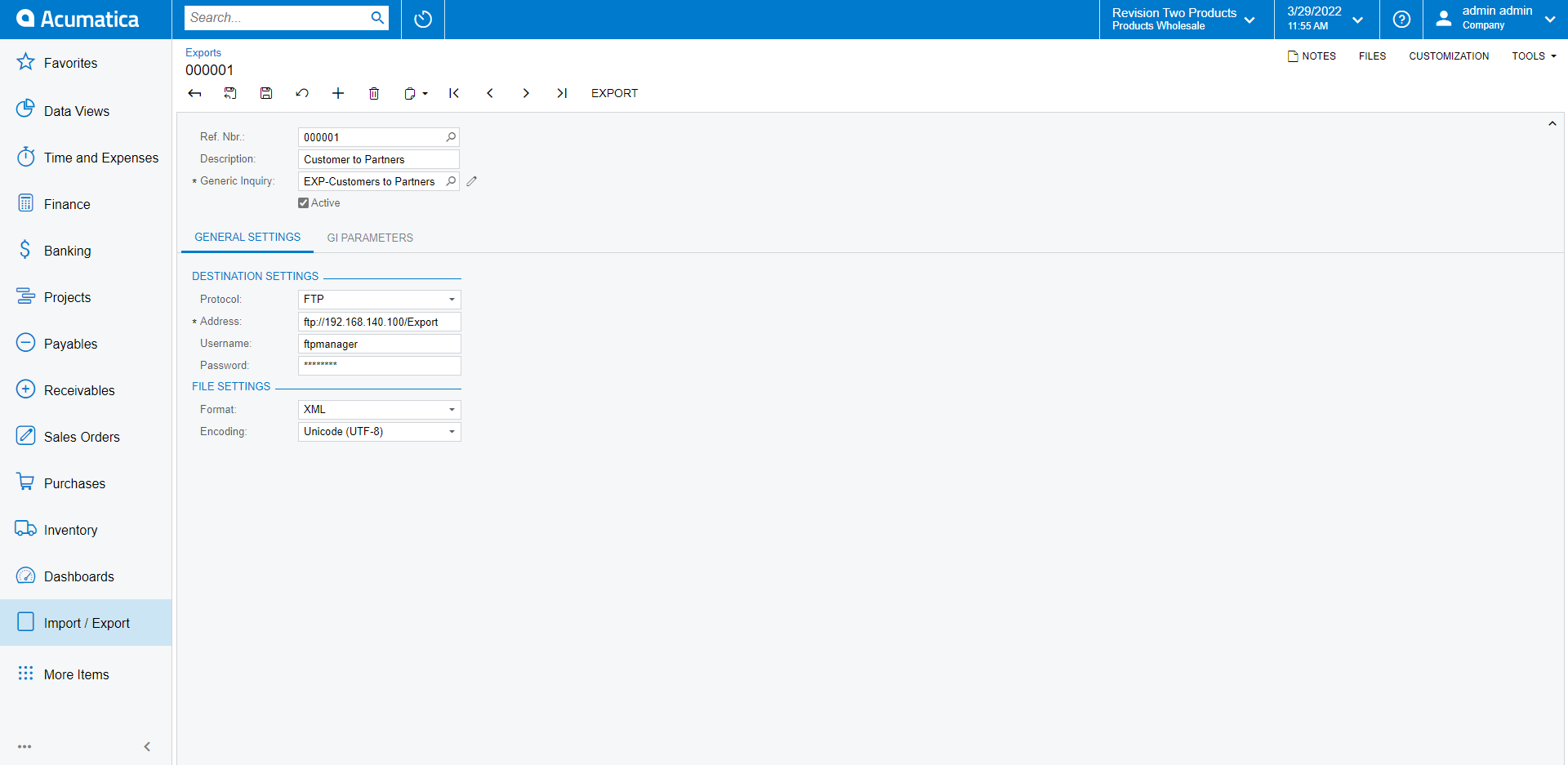
Whether the task involves importing data from a secured site (FTP/SFTP) into an Acumatica screen or exporting to a secured site, the Advanced Integration tool accommodates a diverse set of file formats. Supported formats include XML, xlsx, delimited, EDI and fixed field length, enabling users to work with data in their preferred structure.
The Advanced Integration tool within Acumatica incorporates EDI processing, facilitating a seamless exchange of information between EDI transactions and internal business processes. This comprehensive integration tool is designed to meet a wide range of integration requirements, offering an efficient solution for the streamlined flow of data within the Acumatica platform.
If transferring data via API is desired, we support dynamic webhook configurations based on your schema needs. Our utilization of the native Acumatica framework allows us to by bypass many issues that may be encountered during regular API interaction.
Files can be processed through multiple channels, allowing for flexibility in the workflow. Manual processing, execution through the processing screen, or scheduled tasks via Acumatica’s automation are all viable options. This flexibility ensures consistent and efficient interactions, adapting to the dynamic needs of the user.
In the file configuration for import or export profiles, a meticulous mapping process is established. This mapping ensures the accurate assignment of fields to the destination screen or export file, enhancing the precision of data transfer. We can also institute if then scenarios to respond to the data that is being passed. Prior to processing, each imported file or dynamically pushed data undergoes thorough validation, verifying the accuracy and integrity of the data. This pre-processing validation step serves as a critical quality assurance measure.
Processed files and pushed endpoints are then systematically archived within the historical documents screen, providing a centralized repository for future reference. This archival system facilitates easy retrieval and review of past transactions, contributing to a comprehensive and organized data management strategy.
In instances where a file or data push fails validation, the Advanced Integration tool is equipped to provide detailed information, enabling users to swiftly review and address the identified issues and then reprocess the data load that failed. This proactive approach to error resolution ensures a smooth and efficient data transfer process, minimizing disruptions and enhancing overall system reliability.
Examples of Processing:
If a large payroll file is being importing and employees and subaccounts are continually being added. The system can be configured to review the file for employee and subaccounts first to put these profiles in place before transferring the actual entry. This enables the ability to avoid unnecessary delays when importing transactions.